10 OCT 2026
Installed and live
DineCommand installed at a Lahore fast-food restaurant, and the staff trained.
Orders, kitchen slips, billing, stock, recipes, staff wages and daily profit — built for Pakistani restaurants and food points, and shaped around how your kitchen works.Orders, kitchen slips, billing, stock, recipes, staff wages and daily profit — shaped around how your kitchen works.
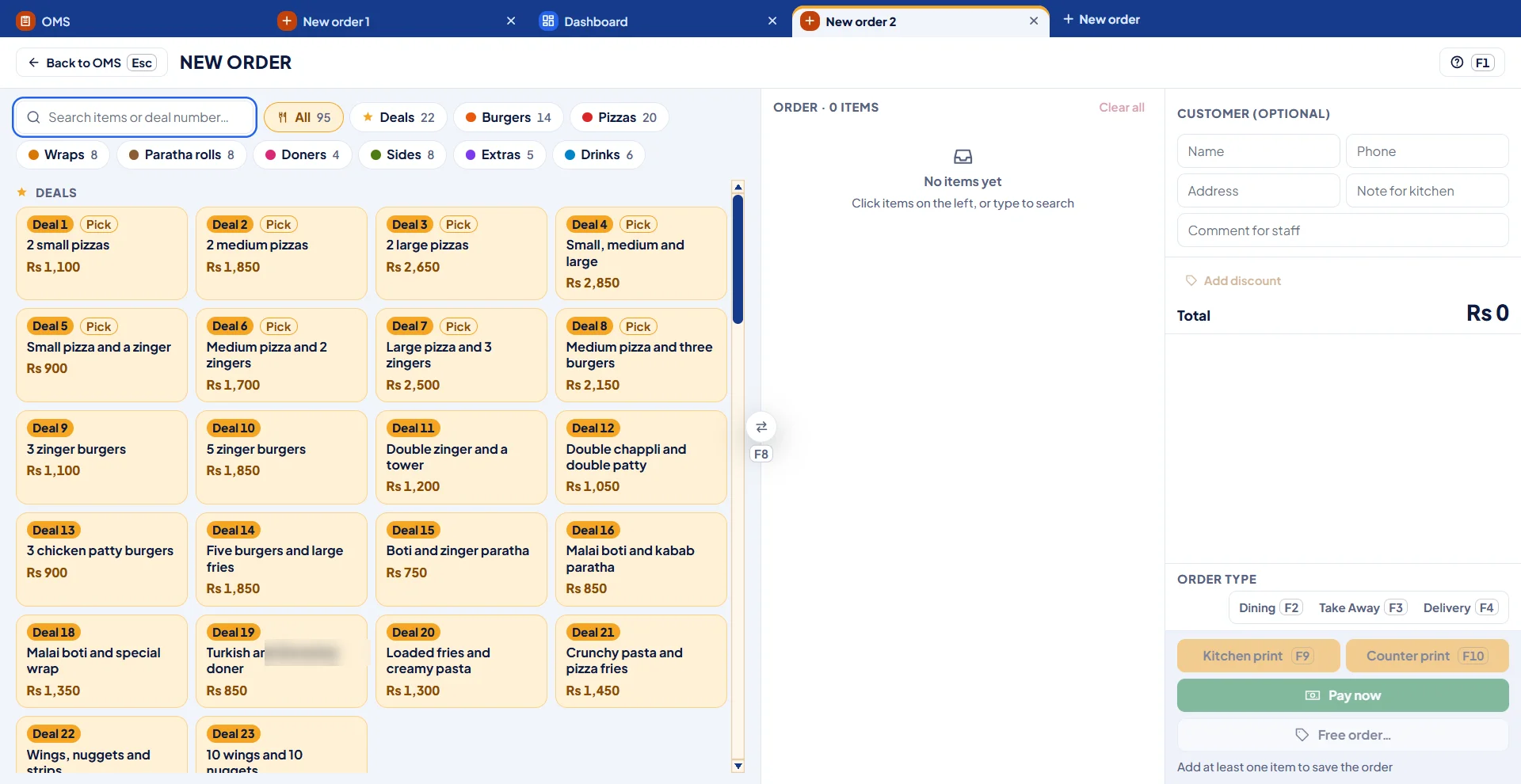
Orders written by hand, split into slips, and sometimes never reach the kitchen.Orders written by hand sometimes never reach the kitchen.
Each counter — kitchen, tandoor, drinks — gets its own slip instantly.Kitchen, tandoor and drinks each get their own slip.
Sales are known, but food cost, waste and expenses are a guess.Food cost, waste and expenses are a guess.
Recipes calculate the real cost of every dish and the day’s true profit.Recipes calculate the real cost of every dish.
Cheese or chicken finishes during the dinner rush, with no warning.Cheese or chicken finishes during the rush.
Low-stock warnings appear before items finish.Low-stock warnings before items finish.
Staff advances and customer credit live in a register nobody trusts.Advances and credit in a register nobody trusts.
Wages, advances and who-owes-what — recorded and printable.Wages, advances and who-owes-what, recorded.
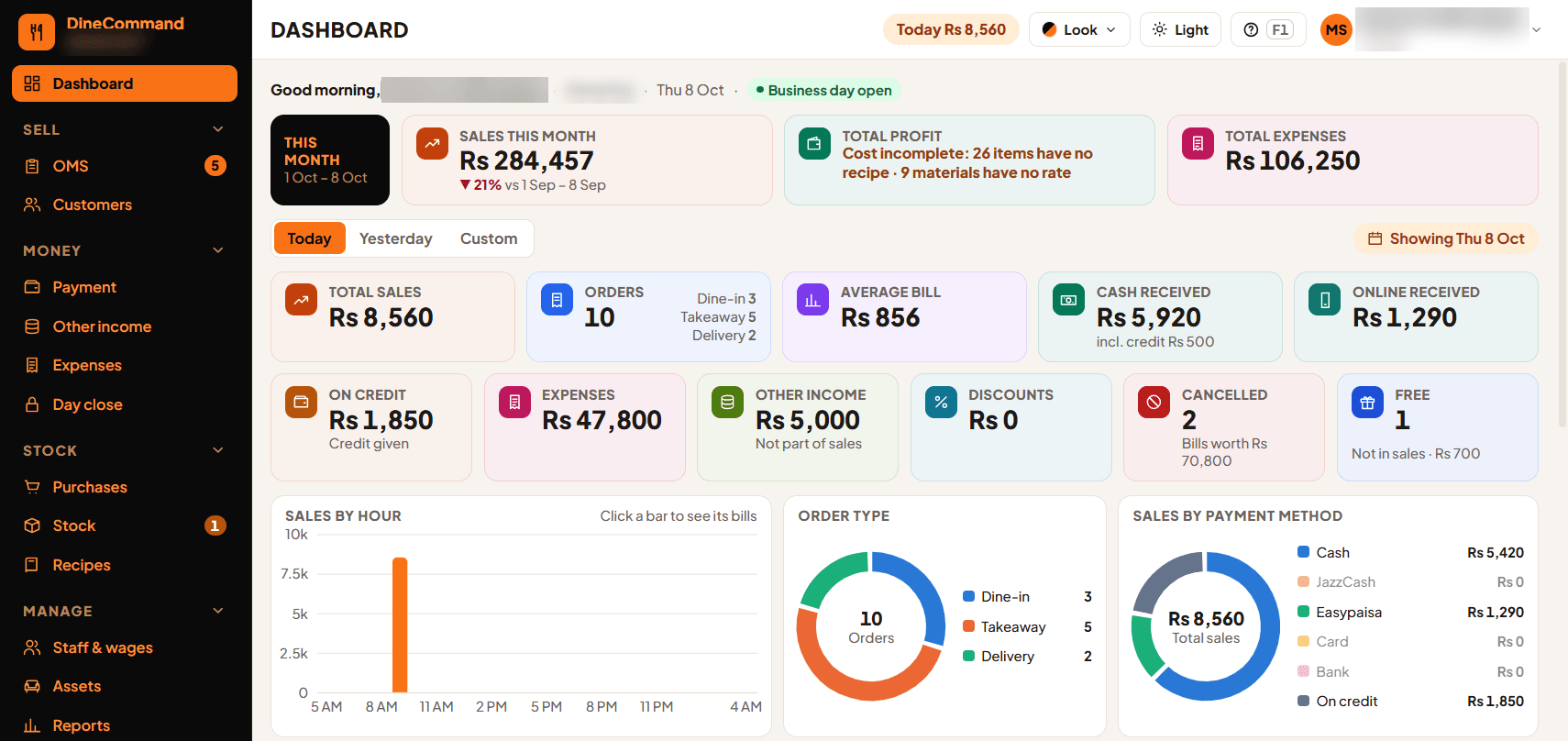
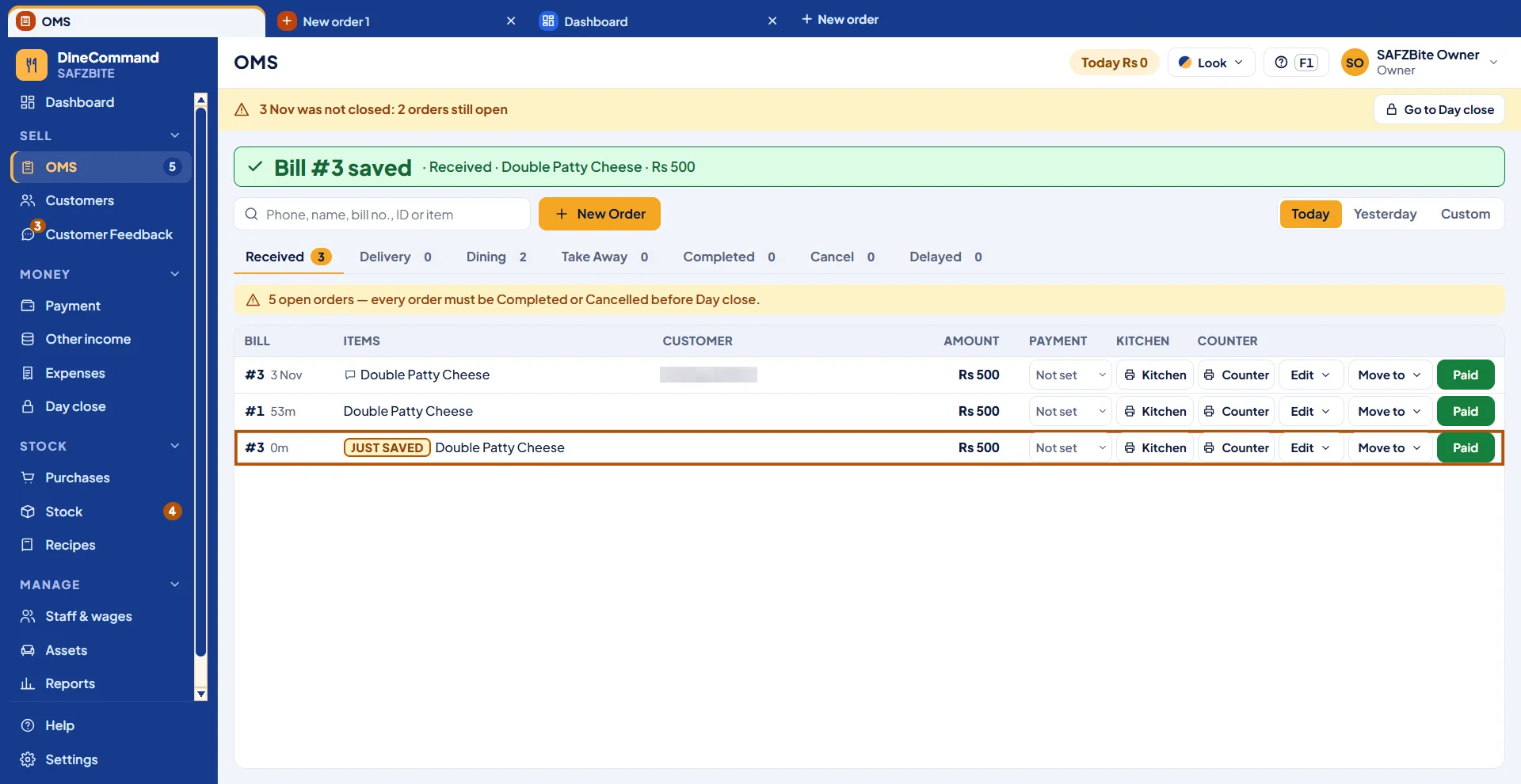
Your main screen at the counter — every order, payment and number for the day.
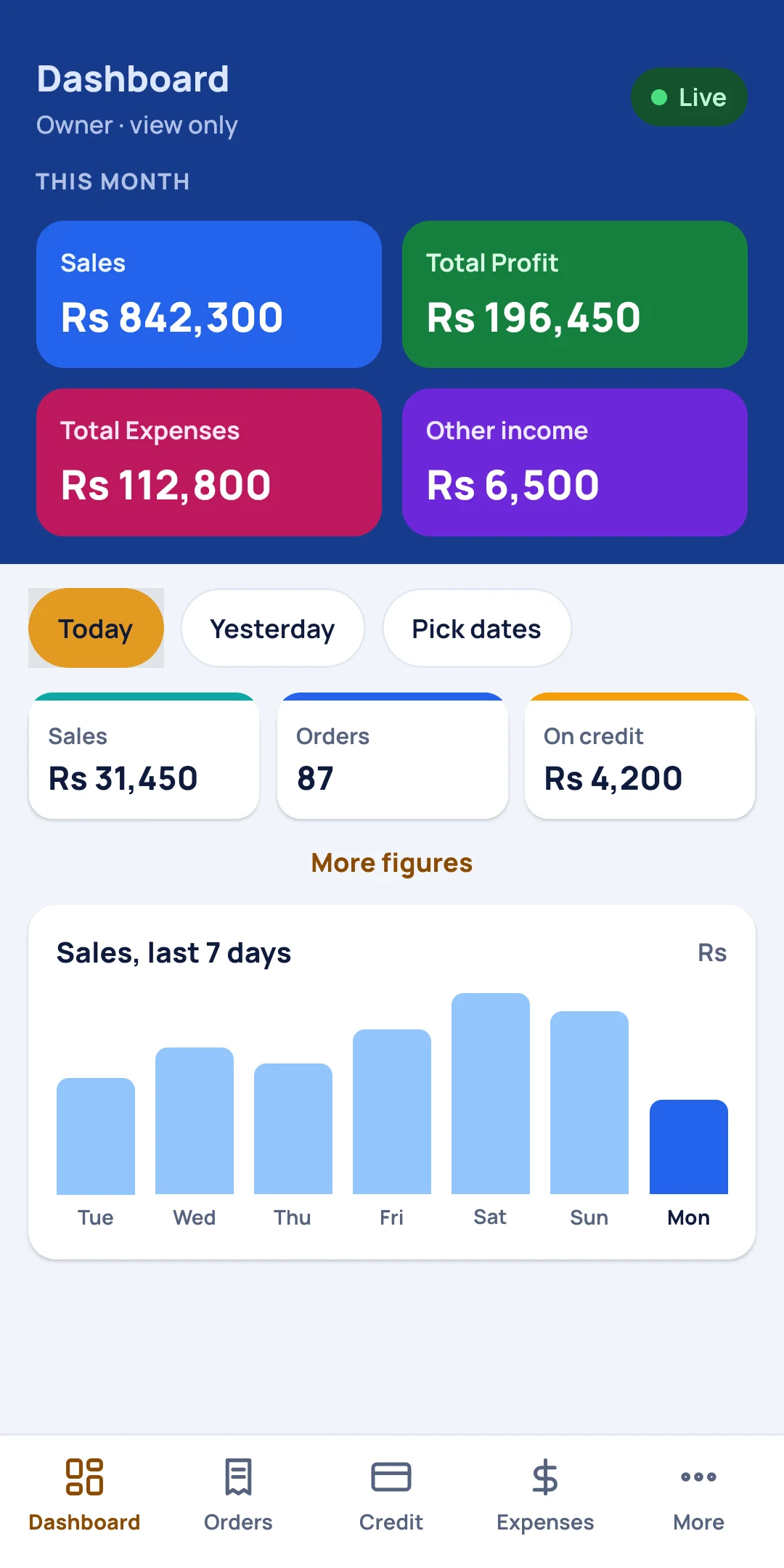
See how the day is going without standing at the counter.
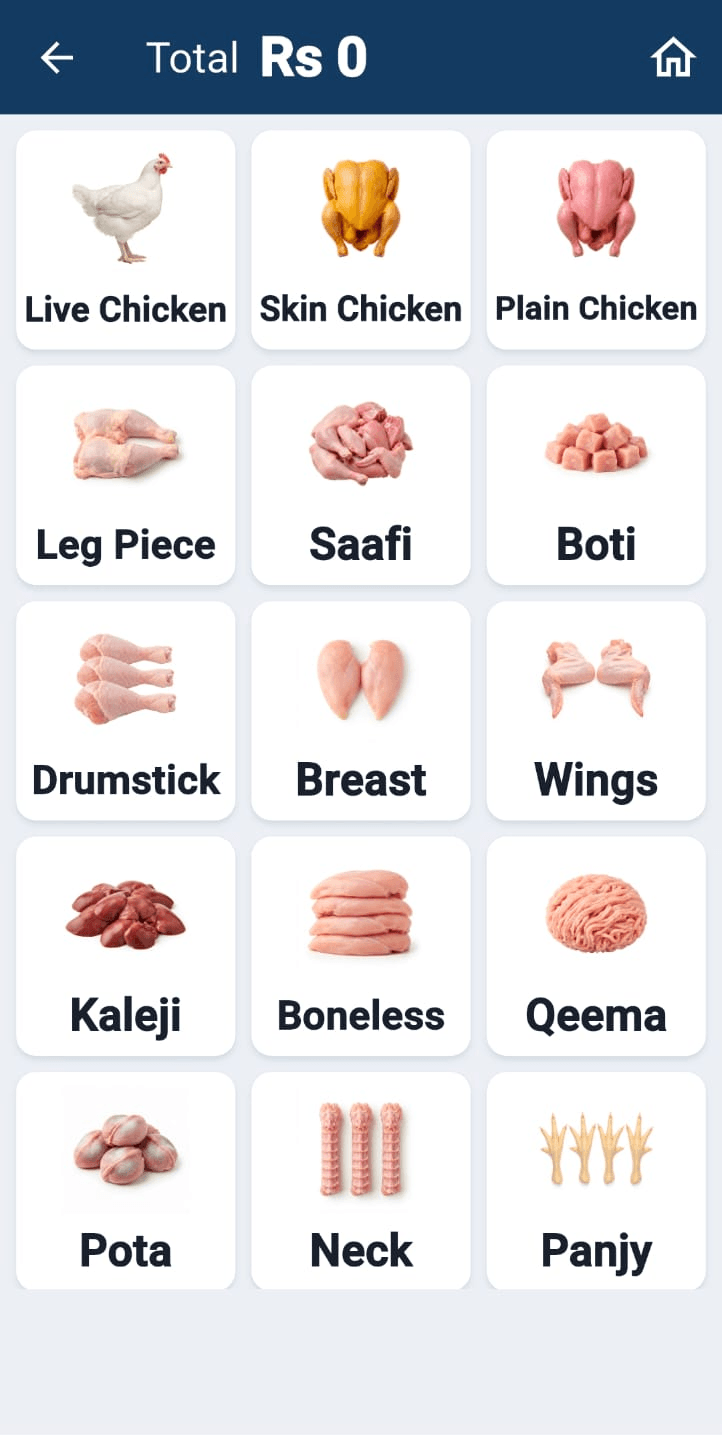
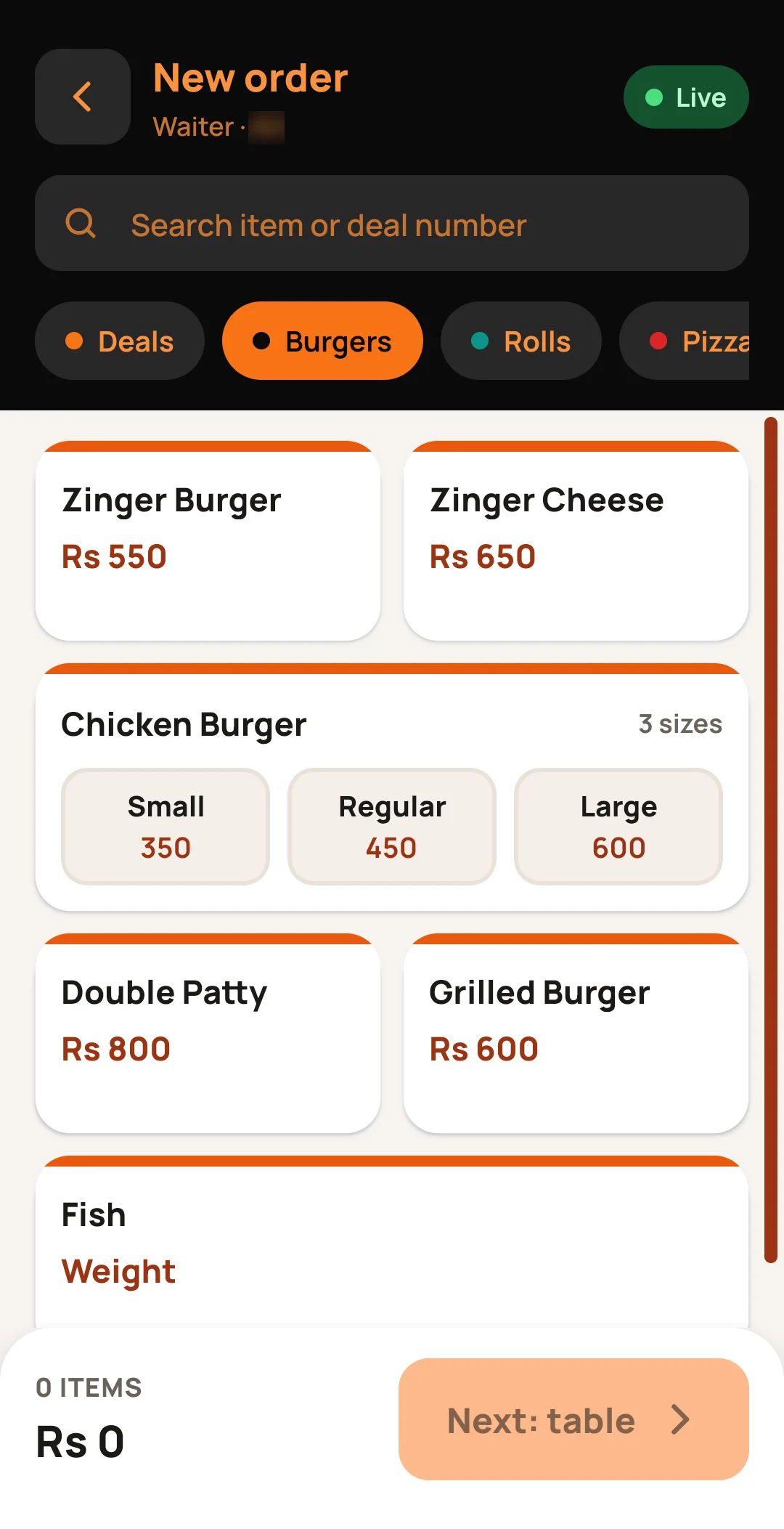
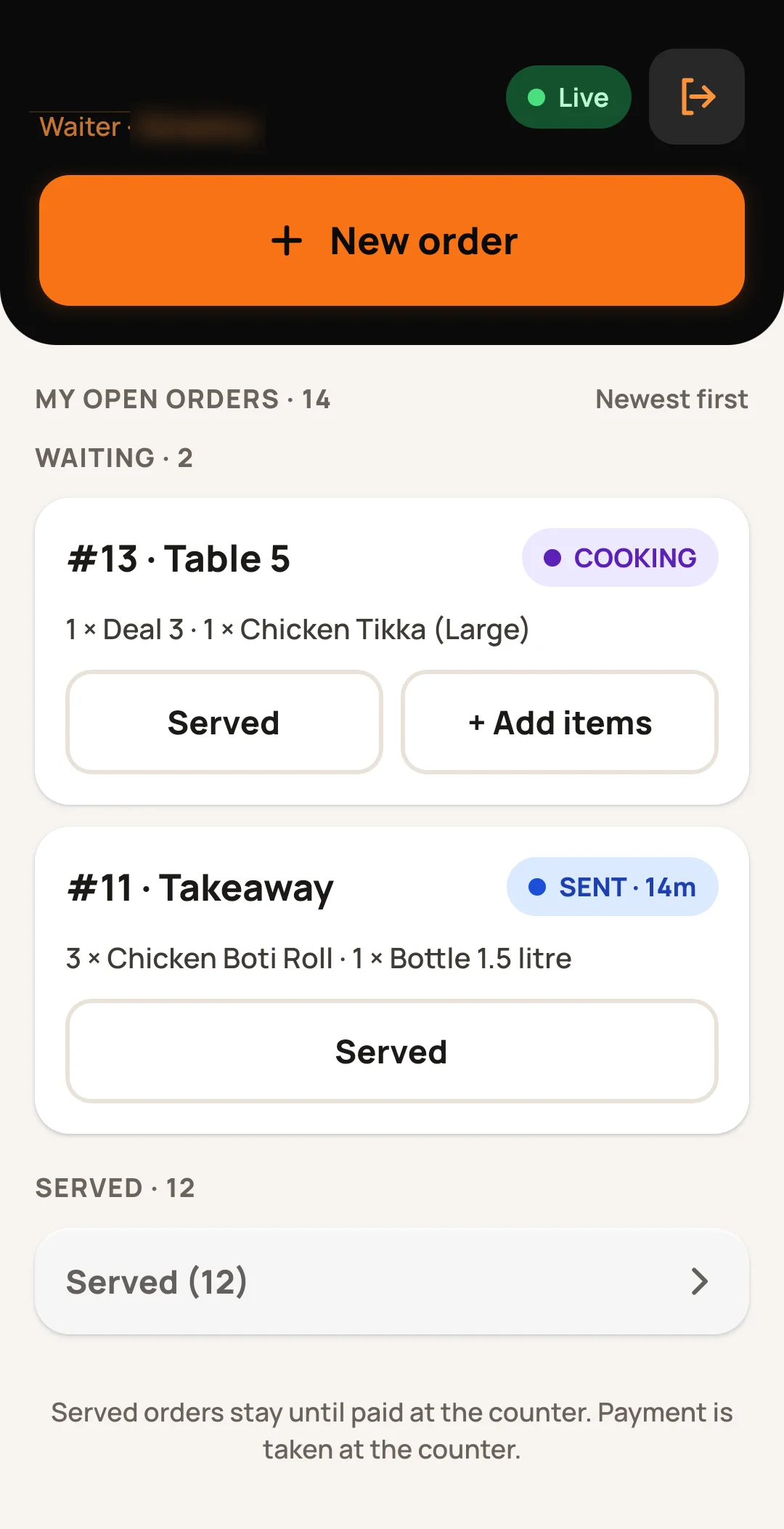
Waiters pick items on the phone — no writing, no running to the counter.
Orders appear the moment they are placed, with the time waiting.
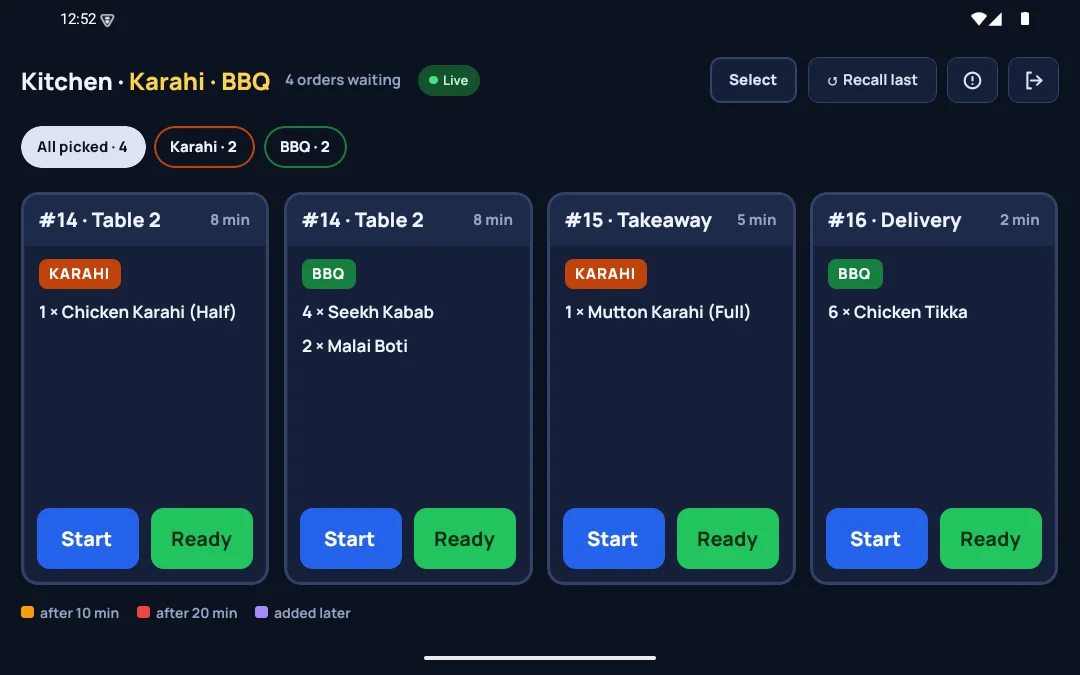
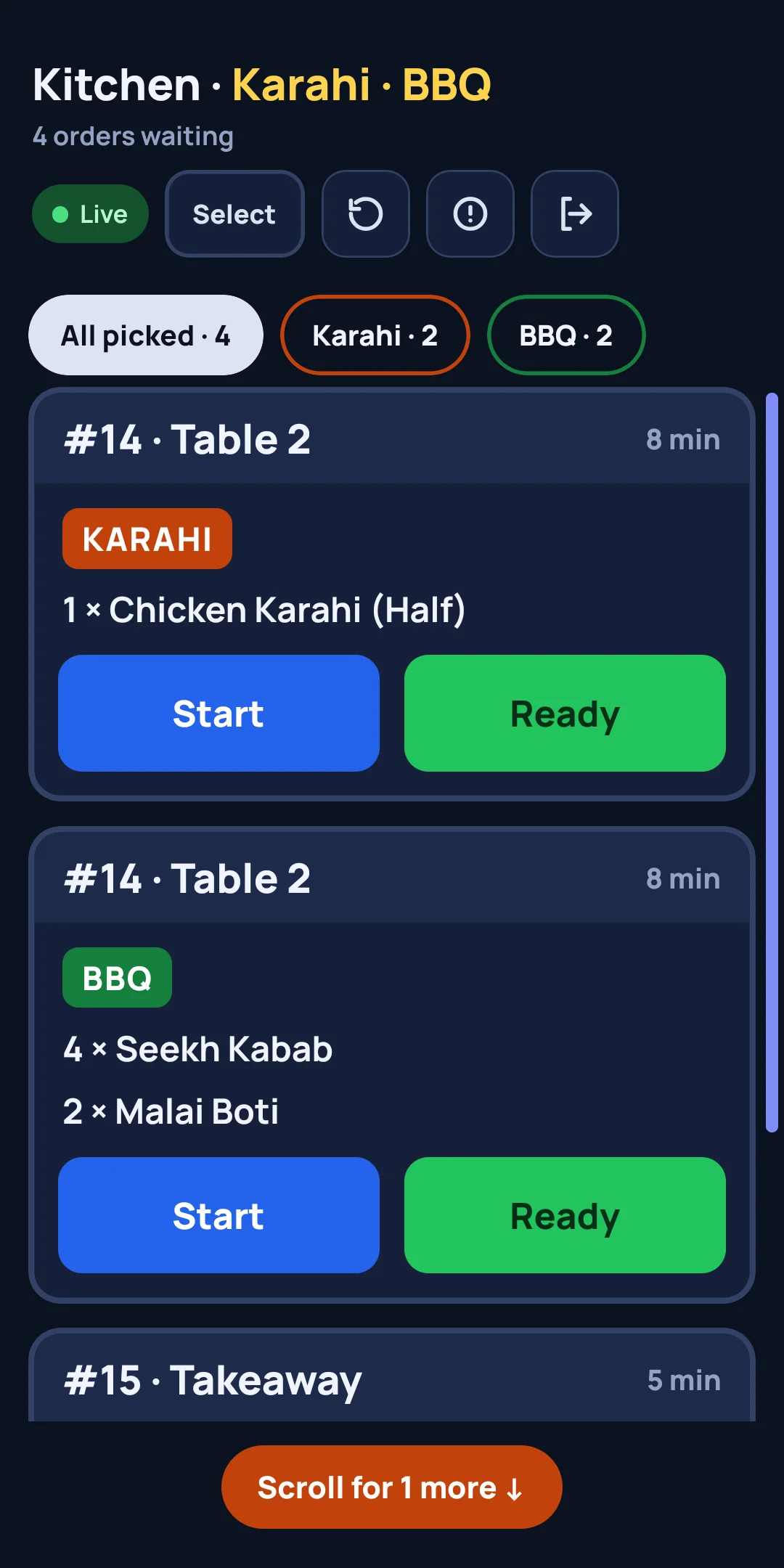
The same four menus you’ll see inside DineCommand.
DineCommand grows with the restaurants that use it. When an owner asks for something at the counter, we build it, test it and install it — usually within days.
Tell us. That is how DineCommand gets better.
Tell us on WhatsAppDineCommand installed at a Lahore fast-food restaurant, and the staff trained.
First update at a Lahore fast-food restaurant: clearer kitchen slips, with the order type (Dine-in, Takeaway, Delivery) printed on every slip.
Low-stock alerts on the Dashboard, so the restaurant never runs out of chicken or buns mid-rush.
A second restaurant joins — a BBQ point with three kitchens
“Now I see sales, food cost and the day’s profit on one screen.” — Khawar Butt, owner
See every update“We never knew whether we were in profit or loss.” — Mubeen, owner
See every updateSomething else on your mind? Ask us directly on WhatsApp.
Ask on WhatsApp Last updated:Yes. DineCommand works fully offline and your data stays on your own computer. The owner app needs internet to see figures from home.Yes. DineCommand works fully offline and your data stays on your own computer.
Yes — that is how we work. Tell us what your kitchen needs and we shape the software around it, even after installation.Yes — we shape the software around your kitchen, even after installation.
One laptop or computer at the counter and one thermal printer. Owners, waiters and the kitchen use the smartphones they already have for the DineCommand apps. If you’d rather not use the phone apps, the thermal printer’s kitchen slips are enough for smooth, fast work.
We set it up at your restaurant — counter computer, printer, menu, recipes and staff — and train your team on the spot. Tell us your menu size and number of counters, and we’ll give you a date.
Yes. We bring a free demo to your restaurant — and you can talk to an owner who already uses it.Yes. We bring a free demo to your restaurant.
We bring the demo to you — free, with your own menu.